Custom software that automates your repeat business work
Custom business process automation software is for repeat office work that has outgrown simple no code links. You get approvals, documents, reminders, and data sync in software that runs on your accounts. ENZORA writes the scope first and starts with the task that frees the most hours with low risk. If a rented no code tool is enough, we will say so and point you there.
Who this is for
Business process automation software on this page is custom built for teams whose repeat work is too heavy, too sensitive, or too costly for a simple no code link. The first question is which option fits, not how soon we can write code.
An office that retypes the same data into several tools wants one import with a review screen for unclear rows. A service firm that sends many quotes and reminders wants templates and a schedule. A team that still signs paper or email approvals wants a role based flow with a log. A business whose rented automations got slow or costly may want the same work in software they own.
You are not a fit if a rented workflow is enough. That work is automation and AI. We set up tools such as Zapier or Make there when a simple link will do. Pipeline setup in a CRM you already pay for is CRM setup. We will recommend the cheaper path when it can carry the load. Custom software fits when rules are complex, volumes are high, data is sensitive, or monthly task fees grow too much.
The first question on the free project plan is which option fits. We do not start with custom code if a simple link will do the job. We also do not replace a CRM you already like just to sell a new system.
What we build
Approvals and audit trail
Approval flows have roles, a clear next step, and a log of who acted. Unclear cases go to a review screen instead of being guessed. You can pause a flow with one switch. People keep the final say on anything that reaches a customer. Those review steps go in the written scope.
Documents, schedules, and imports
Document templates can cover quotes, work orders, or contracts, with a hand off to e sign when you have a provider. Scheduled jobs can send reminders, renewals, or follow ups. Imports can read email, PDF, or CSV, then ask a person to check any row the system cannot read with confidence. We do not silently fill a field we could not read.
Reports, admin tools, and optional AI steps
Reports can be delivered on a schedule you set. An admin screen shows exceptions, failed runs, and weekly totals. Optional AI steps can classify, summarise, or draft, only where they save real time. A person checks anything that goes to a customer. You choose and pay the AI provider directly. We do not hide an AI step inside a flow without saying so in the scope.
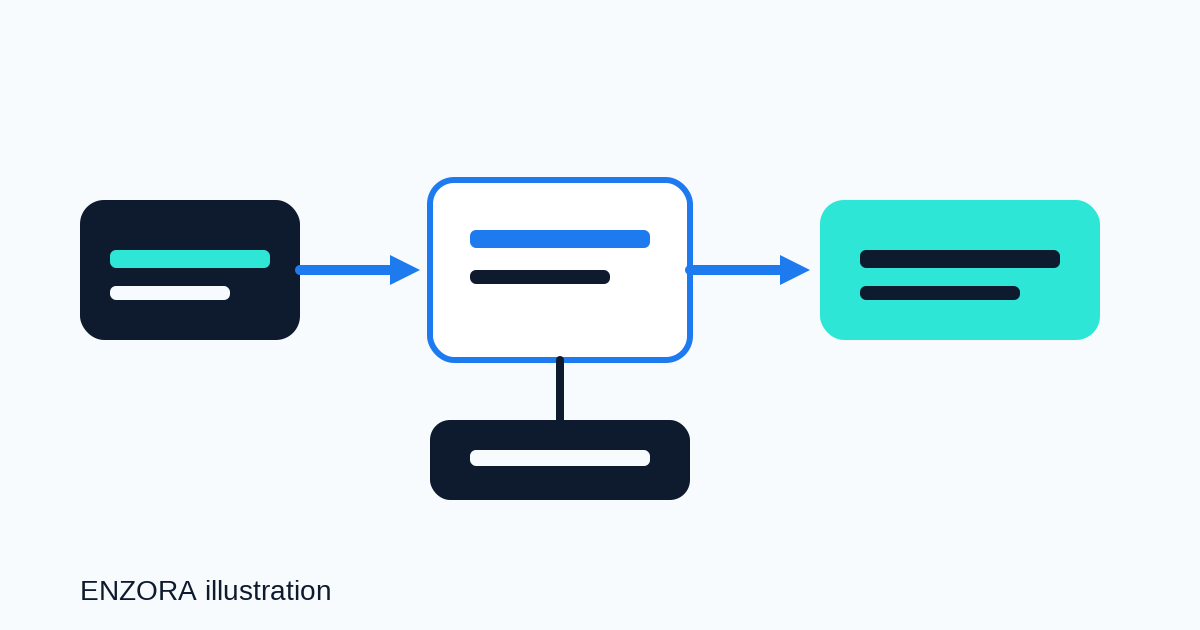
The illustration of an automation flow is our own drawing. It is not a photo of a client office. It does not show real customer data. We drew simple boxes and arrows for a review step. Nothing else is hidden in the file.
How a project runs
We start with a free project plan. This is the discovery call. Then we audit the manual steps, who does them, and how often. We write a scope and rank the work by time saved and risk. We start with the task that frees the most hours with low risk. We do not begin with a rare edge case, even if it feels urgent.
We build the first automation end to end on staging. Your team measures it there with real cases you choose. After that we build the rest in milestones on a staging link you can open. Launch includes monitoring, a runbook, and handover of the code and the admin screens. A care plan is optional after launch. It can cover fixes when a connected tool changes.
What you own
The code repo is in your account. The server or cloud account is in your name. Connected tools stay on your accounts. You get a data export, a runbook, and admin logins. You can pause or change a flow without waiting on us, once the handover is done. We do not keep a private copy of your office data after handover. API keys for AI or other tools stay in your name.
Tech we use and why
Workers may be Node or Python, with a queue and retries. Data often sits in PostgreSQL. A scheduler runs reminders. Integrations use documented APIs. The admin UI shows exceptions and weekly run reports. Logs and alerts tell you when a connected tool fails. AI APIs use your key, and only where the scope says so. Hard wiring to a private laptop is not part of this service. See also backend, APIs, and integrations. We pick tools you can keep running after we leave.
Costs that depend on your project
We quote after the free project plan. Scope depends on the number of workflows, integrations, and the volume of runs. It also depends on document types, review steps, and any AI use. You get a written scope and milestones before work starts. If a no code tool would cost less and still hold, we will say that first. There are no prices on this page.
See a working demo
Our home services dispatch and CRM demo shows automatic job creation, reminders, and follow ups with sample data. You can also try the clinic booking demo and the ecommerce admin demo. These are demos, not client projects. They do not run on your real jobs. Get a free project plan when you want a scope for your own office. You can also see the demo hub first.
Related services
Simple rented links are automation and AI. CRM pipelines you already pay for are CRM setup. Office dashboards are web apps. APIs and sync jobs are backend, APIs, and integrations. For a plain launch checklist, see what to prepare before a site launch. The build steps are on how a project runs.
A second look at the cheaper path is part of the job. Many teams only need a few links between tools they already pay for. Automation and AI covers that work. CRM setup covers pipelines in a CRM you already use. Custom software is for the cases those options cannot hold well. We will say which path we recommend, even if that means less build work for us.
Repeat work often hides in inboxes. A person copies a field from an email. Then they paste it into a sheet. Then they paste it again into a billing tool. That path is slow and easy to get wrong. An import with a review screen can cut that work. It still needs a person for unclear rows. That mix of speed and control is the usual design.
Not every step should be automatic. A quote that goes to a customer should be checked. A payment change should be checked. A delete should be checked. The audit log is there so you can see who approved a step, and when. If a connected tool fails, the alert should name the tool and the time. The runbook should say what to check next.
Handover includes the code, the runbook, and the admin logins. Your team should be able to pause a flow, retry a failed run, and read the weekly report without us. If you want a care plan, it can cover API changes and small rule edits. If you do not, you still own the system and the data.
A short note on measurement keeps the work honest. We can count how many times a task ran, and how many rows a person still had to review. We cannot promise a savings figure in advance. Two offices with the same tool can have very different days. The free project plan is where we look at your steps and pick a starting task. After launch, the weekly report should show what actually ran, not a hope.
What Custom Business Automation Software includes
- Process audit (each manual step, who does it, how often)
- Automation plan ranked by time saved
- Workflow engine with roles and audit log
- Document templates
- Integrations with your tools
- Admin screen to review exceptions
- Alerts and weekly run report
- Source code, runbook and handover
How Custom Business Automation Software is delivered
- Free project plan
- Process audit and written scope
- Build the first automation end to end
- Measure it with your team on staging
- Build the rest in milestones
- Launch, monitoring and handover
Who Custom Business Automation Software is for
- Offices that re-type the same data into several tools
- Service companies sending many quotes and reminders
- Teams with paper or email approvals
- Businesses whose no-code automations got slow or costly
Why clients choose ENZORA
- Free website audit before you pay anything
- Clear package prices, timelines and revision rounds listed up front
- A written plan before any work starts
Your site, your assets
You own your code and your site
When ENZORA builds for you, you receive the files, accounts and documentation you need to keep control. We do not lock you into mystery hosting or hidden licenses. If you part ways later, you can move the project with a clear handoff.
- Repository or export access for custom builds, plus admin access for Shopify, WordPress or your host when we set them up for you
- Analytics, form and domain accounts registered in your name whenever the platform allows
- Launch notes that explain what runs where so your next developer is not guessing
Questions before you sign? Read our process or contact ENZORA.
- 20 free tools you can use today
Custom Business Automation Software questions
How is this different from Zapier or Make?
Those tools are great for simple links, and we set them up on our automation and AI page. Custom software fits when rules are complex, volumes are high, data is sensitive, or monthly task fees grow too much. We recommend the cheaper option when it is enough. The free project plan is where we make that call with you.
What should we automate first?
Start with the task that is frequent, rule based, and annoying. We list your manual steps and estimate time per week with you. Then we pick the one that frees the most hours with low risk. We do not begin with a rare edge case, even if it feels urgent in the moment.
Will people lose control?
No. Unclear cases go to a review screen instead of being guessed. Every action is logged, and you can pause any automation with one switch. People keep the final say on anything that reaches a customer. We write those review steps into the scope so they are not added as an afterthought.
Do you use AI?
Only where it clearly helps, such as sorting emails or drafting a reply, and always with a human check for anything customer facing. You choose and pay the AI provider directly. We do not hide an AI step inside a flow without saying so in the written scope.
What if a connected tool changes?
We monitor runs and alert on errors so you see a break early. A care plan can cover fixes when a provider changes its API. Without a care plan, the runbook explains what to check and who to call. We do not leave you with a black box and no way to pause it.
Can it run on our existing systems?
Usually. We run it on your server or cloud account and connect to the tools you already use, so staff can keep familiar screens. We use documented APIs where they exist. We will not scrape a site against its rules to fake a link that will break later.
How is it priced?
After the free project plan, the quote comes from the number of workflows, integrations, and volume. You get a written scope and milestones before any work starts. This page does not list a price, because two offices rarely have the same set of manual steps.
Is there an example?
Our [home services dispatch and CRM demo](/portfolio/demos/home-services-dispatch-crm) shows automatic job creation, reminders, and follow ups with sample data. You can also open the [clinic booking demo](/portfolio/demos/clinic-salon-booking). It is a demo, not a client project, and it does not run on your real jobs.
Our five step process
Every ENZORA service follows the same visible rhythm so you always know what happens next.
- 01Discover
We learn your goals, audience, offers and constraints. You share examples, content notes and access we need.
- 02Plan
We map pages, user paths and integrations. You approve structure before visual design begins.
- 03Design
We shape layout, type and motion to match your brand. You review in staging friendly links.
- 04Build
We implement, connect forms, analytics and SEO basics, then run QA on real phones.
- 05Launch
We deploy, hand off credentials and support you through the included support window on your package.
From the blog
- Website Ownership Checklist: Domains, Hosting, and Analytics AccessA plain checklist so you truly own your website: domain registration, hosting accounts, design files, and analytics access before you hire anyone.
- Website Content Checklist Before You LaunchPre-launch content checklist for small business websites: core pages, trust signals, forms, SEO basics, and QA, without fake stats or last-minute panic.
- Next.js vs WordPress for Business WebsitesCompare modern Next.js marketing sites with WordPress for small and mid size businesses, including editing workflows, speed, and when each stack makes sense.
Your site, your assets
You own your code and your site
When ENZORA builds for you, you receive the files, accounts and documentation you need to keep control. We do not lock you into mystery hosting or hidden licenses. If you part ways later, you can move the project with a clear handoff.
- Repository or export access for custom builds, plus admin access for Shopify, WordPress or your host when we set them up for you
- Analytics, form and domain accounts registered in your name whenever the platform allows
- Launch notes that explain what runs where so your next developer is not guessing
Questions before you sign? Read our process or contact ENZORA.
Talk to the team directly.
Related services
Explore nearby offers or see markets we serve.
Also see the home page, about ENZORA, guides, and contact.